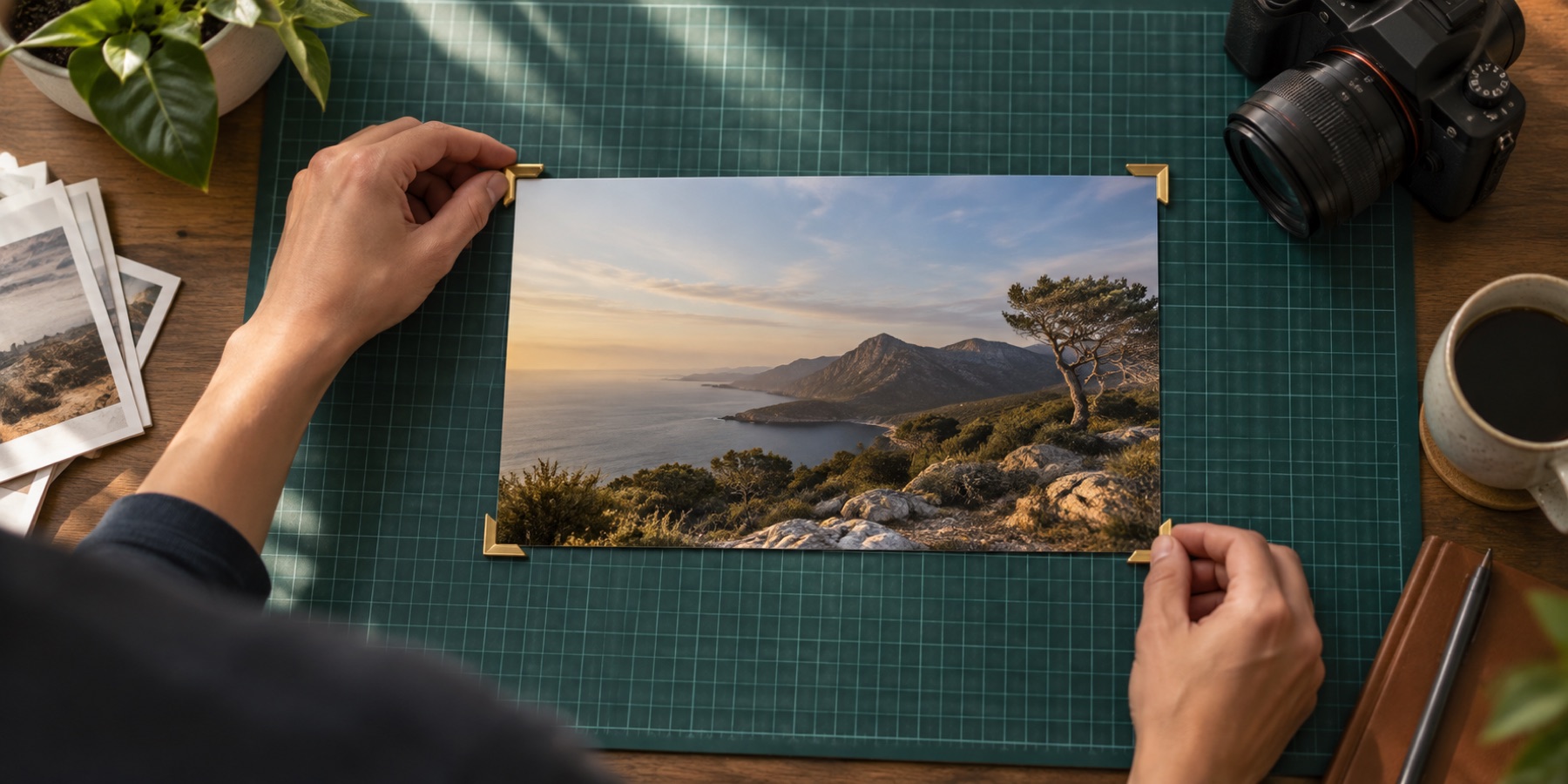
CropPhoto is the fastest way to crop a photo, image, picture or pic online. Drop a file, drag the box, download. Nothing to install, nothing to sign up for, and nothing uploaded — the whole photo cropper runs in your browser.
Under the simple face is a complete cropping instrument. Lock any aspect ratio, crop into a circle or a custom shape, straighten a tilted horizon, crop for WhatsApp, Instagram, YouTube or a passport form, resize on export, cap the file at a set number of KB, and queue several pictures to crop in sequence. The work is three steps — where it is going, how it is framed, what comes out — and the last of those is a line of numbers above the Download button that tells you the output size, the scale factor and the encoded size before you commit to them.
Need a specific job? Jump straight in: WhatsApp DP, Instagram, Passport Photo, Profile Picture, YouTube Thumbnail, Story / Reel.
Where is this photo going?
- 01
For a form or ID
A passport, visa, exam or government portal. Choose the country and the pixel size, the head guide and the file-size cap come with it.
India 35×45 mm → 413×531 px, 300 ppi written into the file
- 02
For a platform
Instagram, WhatsApp, YouTube, Facebook or X. Each preset locks the ratio and draws the area that platform actually keeps.
1080×1080 · 500×500 · 1280×720 · 1500×500
- 03
For me
No destination rule. Drag the box you want, in any ratio or shape, and the file comes out at the pixels you cropped.
exported at the crop size — nothing is enlarged without saying so
How to crop image online
- 1Open a photo
Drop it on the viewfinder, paste from the clipboard or tap Choose photo. JPG, PNG and WebP always work; AVIF, GIF and BMP open wherever your browser can decode them, and save as JPG, PNG or WebP. HEIC files from an iPhone do not open here yet.
- 2Say where it is going, then crop
Step 1 is the destination — a form or ID, a platform, or nobody but you — and the size rule follows from it. Then drag the box or its corner handles, or type exact pixels.
- 3Read the contract, then download
Above the button, one line states the crop size, the output size, the scale between them, the format, the encoded size and the density. Saving always re-encodes: a JPG stays a JPG, a PNG stays a PNG, and anything else becomes a JPG unless you choose otherwise. If the output is larger than the area you cropped, the line says so and offers to match the crop instead.
Questions about cropping
Is this photo cropper really free?
Yes. CropPhoto is free, has no account and adds no watermark. There is one hard ceiling: a photo above 80 megapixels is refused before decoding, because the browser would run out of memory rather than fail politely — every phone and camera photo is far below it. The queue is bounded by what your browser can hold at once. It is supported by unobtrusive ads below the tool, never inside it.
Do my pictures get uploaded anywhere?
No. This site is a static export — there is no server-side code and no route that accepts a file, so there is nowhere for a picture to be uploaded to. Your browser decodes the photo, paints the area inside the crop rectangle onto a canvas, encodes that canvas and hands the result to its own download mechanism. Nothing is kept, so there is nothing to delete afterwards.
How do I crop an image to an exact size in pixels?
On a wide screen the steps column is beside the workspace: open step 2, Position & size, and type the width and height. On a phone, tap More options and use the Size section. The crop box updates live. To output a different size than the crop, set the final width and height in Export — and read the contract line above the Download button, which states the crop size, the output size and the scale factor between them.
Can I crop a photo into a circle?
Yes. Open the Shape step and choose Circle (or Oval, Rounded, Heart, Star). The download is a transparent PNG, or a JPG if you pick a background colour. The /circle-crop page opens with circle mode already selected.
What aspect ratios are available?
Freeform is the default. One tap locks 1:1, 4:5, 3:4, 16:9, 9:16 or A4; Custom accepts any width-to-height ratio. Tap a locked ratio again to return to freeform.
How do I straighten a tilted picture?
The Rotate & straighten step has quarter turns and a −45° to +45° straighten slider. The crop box automatically shrinks to fit inside the rotated photo, so you never export blank corners. Mirroring a photo is not a framing decision and this tool does not do it.
Can I make the file smaller than a set number of KB?
Yes. In Export, set Save as target size to a limit such as 50 KB. The cropper re-encodes the picture until it fits, lowering quality first and dimensions only if needed — and if it had to shrink the dimensions, the contract line above the Download button says what size you are actually getting.
Does it work on my phone?
Yes, and the phone layout is not the desktop one squeezed: the workspace, the verdict line, the ratio row, the contract and a full-width Download sit in that order, with the rest in a bottom sheet that never covers the photo. Handles are 48 px, you can pinch to zoom, and it works in Chrome, Safari, Firefox and Edge. One gap to know about: a HEIC file straight from an iPhone will not open yet — set Camera to Most Compatible, or share the photo, so it arrives as a JPG.