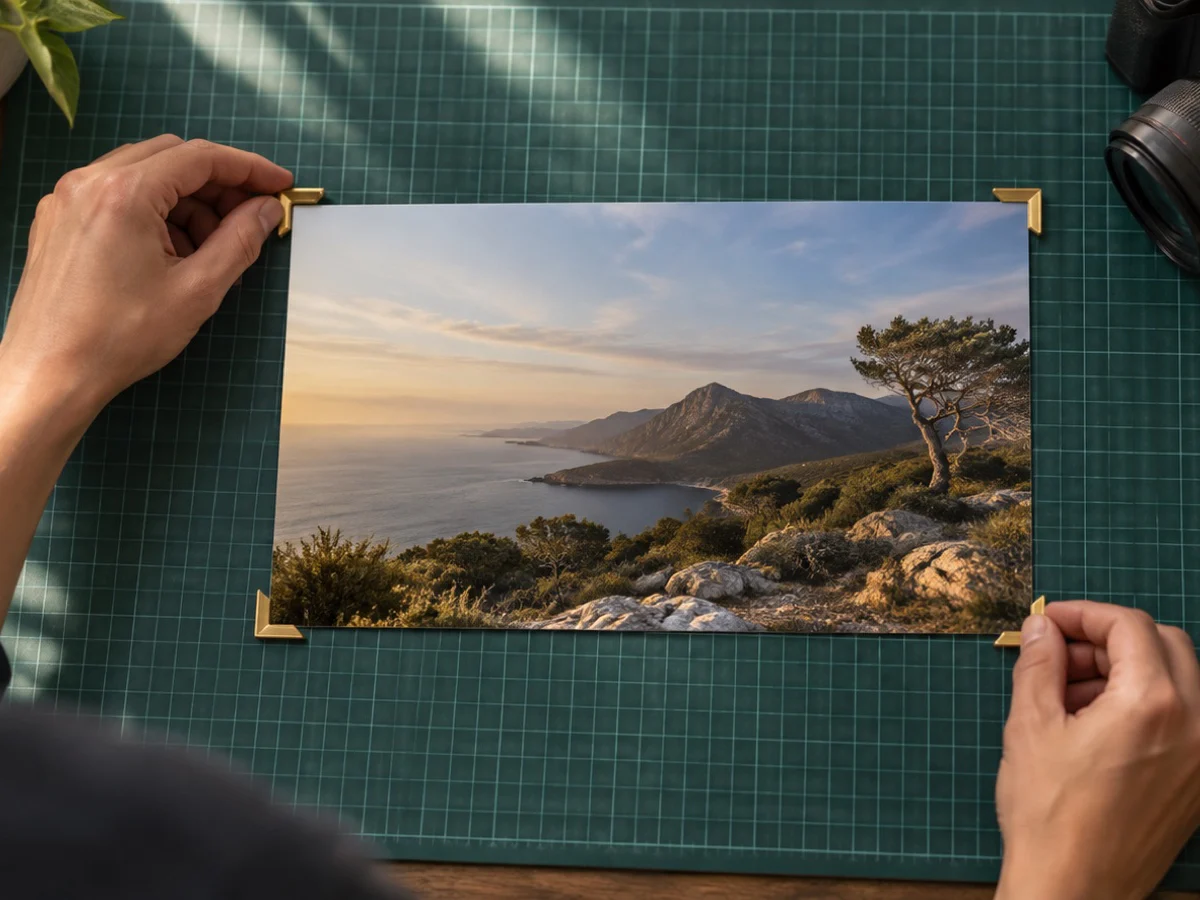
Crop a photo, image or picture to a print size. Choose 4×6, 5×7 or 8×10 inches, 10×15 cm, A4 or your own size in mm, cm or inches, and the box locks to that shape. Out comes a file of exactly the pixels the size needs at your density, 1800×1200 for 6×4 inches at 300 ppi, with the density written into the JPG or PNG.
Before you save, the panel says how many pixels per inch your own crop holds at that size. Below 150 ppi it warns in words that the print will look soft, because the file would be enlarging detail that is not there.
A passport or visa photo: passport photo crop. A US-style 2×2: 2x2 photo crop. A whole folder at one print size: bulk crop. Crops on an A4 page: crop image to PDF.
What you can do here
Real print sizes
4×6, 5×7 and 8×10 inches, 10×15 cm and A4, portrait or landscape, or your own size in mm, cm or inches.
Density written in
300, 240 or 150 ppi is written into the JPG or PNG, so a lab or printer reads the size, not just pixels.
A resolution check
The panel says how many pixels per inch your crop really holds at that size, and warns in words below 150.
Exact pixels out
The file is exactly the pixels the size needs at your density, and the contract says if that meant enlarging.
How to crop photo for print
- 1Open the photo
Drop it on the box. It opens in this tab.
- 2Choose the print size
Pick a size, Portrait or Landscape, and a density; the box locks to that shape. Drag it into place.
- 3Download
The contract shows the print size and the density written. Download saves the file.
Questions about cropping
What pixel size is a 4×6 print?
At 300 ppi a 4×6 inch print is 1200×1800 pixels upright, or 1800×1200 the long way across. 5×7 inches is 1500×2100, 8×10 is 2400×3000, 10×15 cm is 1181×1772 and A4 is 2480×3508.
What does 300 ppi written mean?
The file carries its density, 300 pixels per inch, in the JPG or PNG header. Printing software and labs read it, so 1800×1200 pixels prints as 6×4 inches instead of an arbitrary size. WebP cannot hold it, and the contract says so if you choose WebP.
What happens if my crop is smaller than the print needs?
The file is still made at the full size, so the pixels are enlarged. The contract states the enlargement, and below 150 ppi of real detail the panel warns that the print will look soft. Crop a larger area, choose a smaller print or use a bigger photo.
Which density should I choose?
300 ppi for photo prints you hold in your hand, 240 ppi is fine for most prints, and 150 ppi for posters seen from a distance. The pixel size follows the density you pick.
Is this the right tool for a passport photo?
For a passport or visa use passport photo crop: it knows each country's size, head guide and file limits. This page is for ordinary prints.
Can I put several photos on one sheet?
Not on this page: it makes one print-sized file. Crop image to PDF places one or two crops on an A4 page, at actual size if you want.