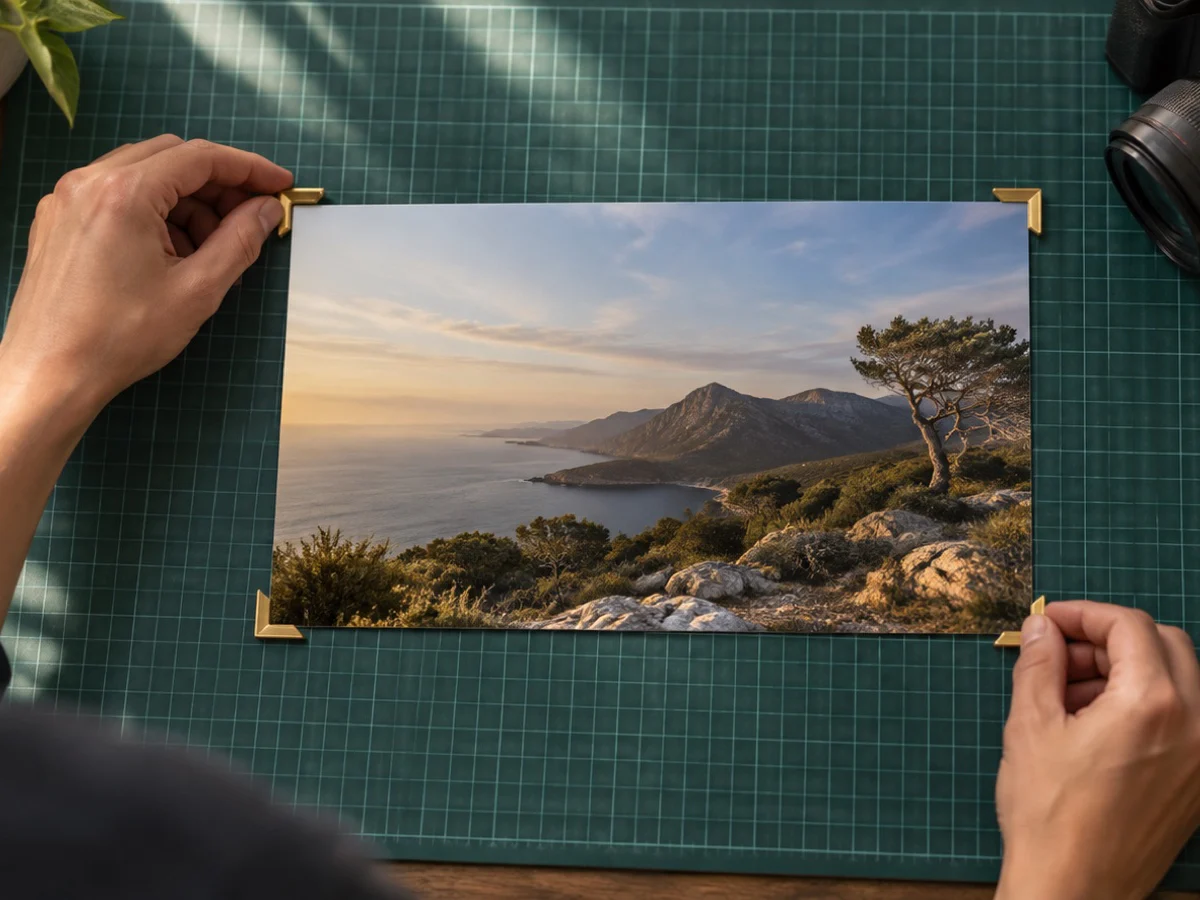
Square up a photo, image or picture of a document, whiteboard, screen or painting taken at an angle. Drag four corners onto the corners of the page and it is straightened into a flat picture with square corners, at the shape its four edges describe.
Find the page looks for a light page on a darker background, or the reverse, using plain brightness and no AI model, and drops the corners on what it finds; when it finds nothing it says so and leaves the corners near the edges for you. The result then replaces the photo in the cropper, so you can crop and size it as usual.
A signature on paper: signature crop. White margins left over: auto crop. A tilted horizon instead of a tilted page: straighten photo. Pages into one file: crop image to PDF.
What you can do here
Four corners, any angle
Drag each corner onto a corner of the page, or move it with the arrow keys one pixel at a time.
Find the page
A plain brightness check on a small copy of the photo drops the corners on a light page against a darker table, or says it found nothing.
True shape out
The output takes the length of the page's own edges, so an A4 sheet comes out A4-shaped, not stretched to the photo.
Then crop as usual
The squared-up picture replaces the photo in the cropper, so every ratio, size and KB limit works on it. One button puts the original back.
How to perspective crop tool
- 1Open the photo
Drop a photo of a document, whiteboard, screen or painting on the box.
- 2Place the corners
Press Find the page, or Place corners myself, and drag the four corners onto the page's corners.
- 3Square it up and download
Press Square it up. Crop, size and save the flat picture like any other photo.
Questions about cropping
How does it decide the output size?
From the corners you place: the width is the longer of the top and bottom edges and the height the longer of the left and right edges, in the photo's own pixels, up to 8192 pixels on the long side. So a sheet of paper keeps its shape.
Does Find the page use AI or send my photo anywhere?
No to both. It shrinks a copy of the photo to 512 pixels in this tab, splits it into light and dark, takes the region at the centre and puts a corner at each of its four extremes. If that region is too small or covers the whole photo, it says no page was found.
What if the corners land in the wrong place?
Drag any corner to where it belongs, or focus it and use the arrow keys (Shift moves 10 pixels). Find again re-runs the check, and Cancel puts the crop box back.
Does squaring up lose quality?
The picture is resampled once, each new pixel blended from the four nearest. A JPEG is then held as a JPEG at quality 0.97 while you crop, other photos as a PNG, and your download is encoded once more at the settings you choose.
Can I get the original photo back?
Yes. Put the original photo back in the Perspective panel swaps the untouched file back into the cropper.
Can it fix a signature photographed at an angle?
Yes. Square up the paper here, then open the Signature tool in the same cropper to trim to the ink and size it for the form.