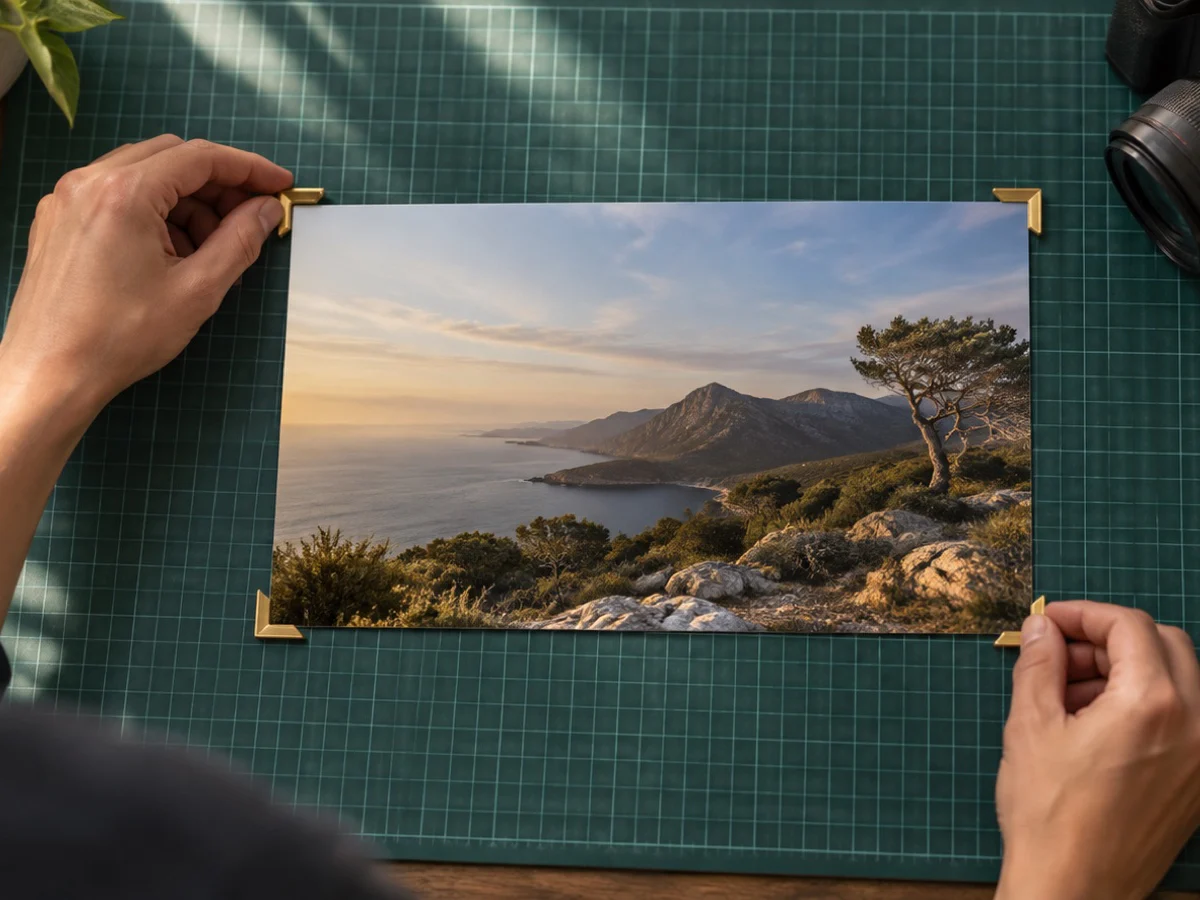
Crop an image, photo or picture and save it as a PDF. Crop the front of an ID card, add it, crop the back, add that too, and save one A4 PDF with both on one page or each on its own, ready for a form that asks for a single PDF.
Set a limit such as 200 KB and the PDF is made to fit it: the JPEG quality inside is lowered first, then the pixels if it has to, and the page says exactly what it did. Actual size prints each crop at its density, so an ID cropped at 300 ppi comes out at its real size on paper.
A passport photo first: passport photo crop. An exam form photo: form photo crop. A signature: signature crop. A page shot at an angle: perspective crop tool.
What you can do here
Several crops, one PDF
Add up to 30 crops from one or many photos, reorder them, and save a single PDF.
One or two per page
Each crop on its own A4 page, or two on a page, such as an ID's front and back.
A KB limit that holds
Set 100 KB, 200 KB or your own limit: quality comes down first, then pixels, and the page says what it did.
Actual size or fit
Fit each crop to the space, or print it at its real size from its density.
How to crop image to pdf
- 1Crop and add
Open a photo, crop it, and press Add this crop to the PDF.
- 2Add the next photo
Open the next photo (Add, at the top), crop it and add it too. Reorder with the arrows.
- 3Save the PDF
Choose one or two per page and an optional KB limit, then press Save.
Questions about cropping
How do I put an ID card's front and back on one page?
Crop the front and press Add this crop to the PDF, then open the back, crop it and add it. Choose Two per A4 page and Save: both sides sit on one A4 sheet, one above the other.
How does the KB limit work?
The PDF is built and weighed. If it is over your limit, the JPEG quality of the photos inside is searched downward, as low as 0.35; if that is still too big, the pixels are reduced in 20% steps. The result line says the quality and any reduction, and says plainly if the limit still could not be met.
What is inside the PDF?
Only your crops, as JPEG images on A4 pages with 10 mm margins. No text, no fonts, no scripts and no tracking. Transparent areas become white.
How many photos can one PDF hold?
Up to 30 crops. They can come from one photo cropped several times or from many photos opened together.
Is Actual size really actual?
Each crop is placed at its density: the requirement's or print size's ppi when one is set, otherwise 300 ppi. A crop too big for the space is shrunk to fit. Print at 100% or Actual size, not Fit to page, for it to match on paper.
Does the PDF go anywhere?
No. It is written in this tab and saved by your browser like any download. On phones that support it, a Share button can hand it to an app you choose.