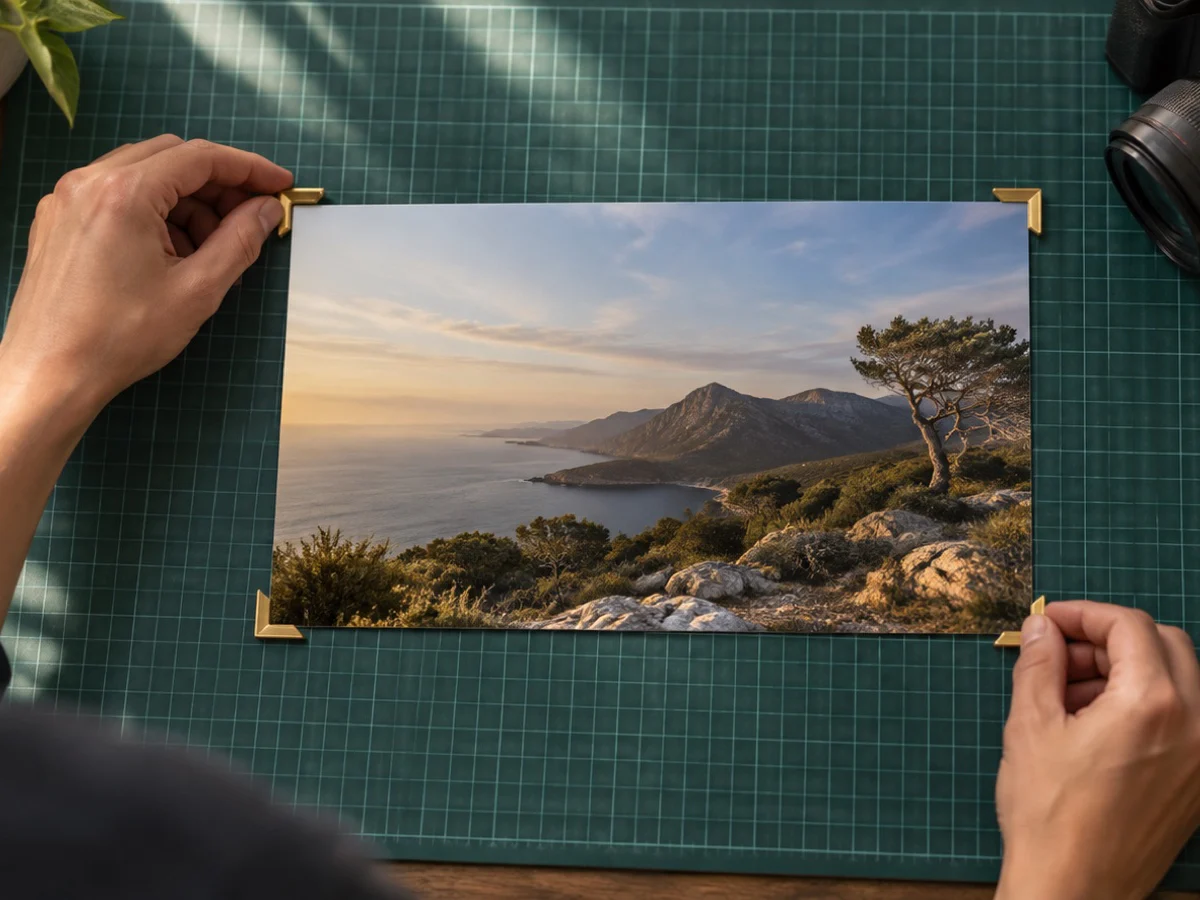
Crop a photo, image or picture into a YouTube thumbnail. The box locks to 16:9 and the file comes out at 1280×720, with the JPEG quality lowered only if needed to stay under 1,950 KB, inside the 2 MB ceiling YouTube gives for thumbnails uploaded from a phone.
YouTube Help asks for at least 640 pixels across and now recommends 3840×2160 for videos and 2160×3840 for Shorts, the same shapes with more pixels. Type 3840×2160 under Export if your photo is that big; the contract says if it would have to enlarge. The Shorts chip switches to a 9:16 frame at 1080×1920.
A channel banner: cover photo crop. Instagram sizes: crop for Instagram. Any other ratio: crop to aspect ratio. Exact pixels and KB: crop and resize.
What you can do here
16:9, locked
The box keeps YouTube's shape however you drag it, and the file is 1280×720.
Under 2 MB on phones
A 1,950 KB ceiling keeps the file inside the 2 MB limit for thumbnails uploaded from the app.
Shorts at 9:16
One chip switches to a tall 1080×1920 frame for a Shorts thumbnail.
A size check
If your crop is smaller than the file, the contract says how much it was enlarged.
How to youtube thumbnail crop
- 1Open the photo
Drop a frame grab or photo on the box.
- 2Frame it
Drag the 16:9 box over the moment you want, or switch to Shorts under Destination.
- 3Download
The contract shows 1280×720 and the bytes, under 1,950 KB. Download saves the JPG.
Questions about cropping
What size should a YouTube thumbnail be?
YouTube Help (read 31 October 2026) asks for at least 640 pixels across, recommends 3840×2160 for videos and allows up to 2 MB when uploading from a phone. 1280×720 is the same 16:9 shape and the size most thumbnails use; type 3840×2160 under Export if your photo is big enough.
Why 1,950 KB and not 2 MB?
1,950 KB is 1,996,800 bytes, which stays under 2 MB however the app counts a megabyte. The quality is only lowered if a file would go over it.
My photo is smaller than 1280 pixels across. Is that a problem?
The file is still 1280×720, so the pixels are enlarged, and the contract says by how much. YouTube's own minimum is 640 pixels across; a sharper source makes a sharper thumbnail.
What size is a Shorts thumbnail?
9:16. The Shorts chip makes a 1080×1920 file; YouTube Help recommends 2160×3840, the same shape at twice the pixels each way.
JPG or PNG?
The preset writes a JPG, because it fits the 2 MB limit easily. PNG is available under Export, but PNG has no quality setting, so a PNG over the limit would be made smaller in pixels instead.
Does anything get uploaded to YouTube?
No. The thumbnail is saved to your device; you upload it yourself in YouTube Studio or the app.