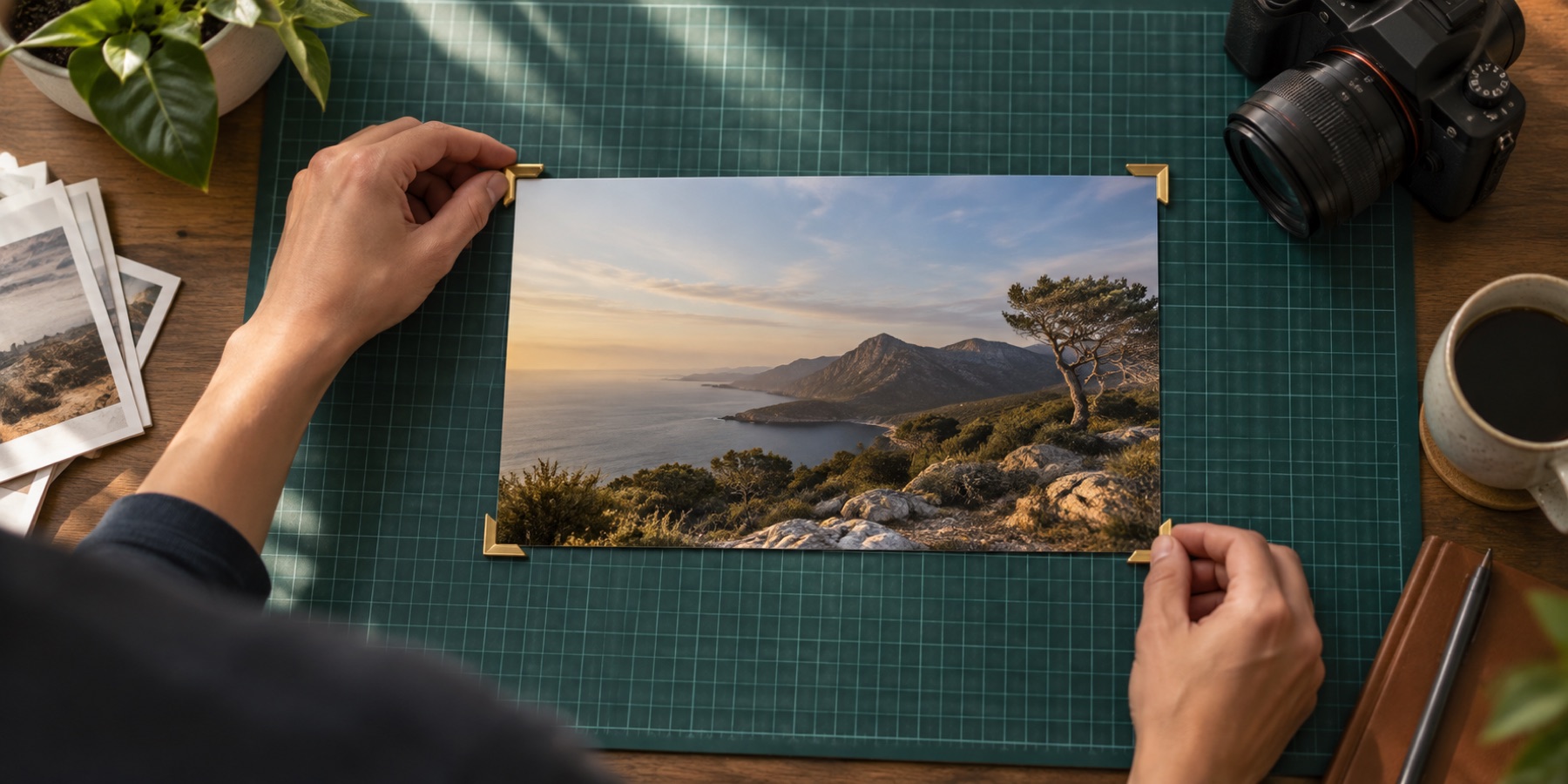
Straighten a photo, image or picture whose horizon is tilted, and crop it so no corner goes blank. Out comes the levelled photo, cut from inside the turned picture at the size the contract states.
Level it by dragging the angle, by drawing a line along something that should be level, or by taking the suggested angle the page works out from the photo's own edges. The suggestion is drawn dashed and applied only when you press the button.
After levelling, trim a scan's margins with auto crop, lock a ratio with crop to aspect ratio, or size a tilted signature with signature crop.
What you can do here
Three ways to level it
An angle slider from −45° to +45° in 0.1° steps, a line you draw along the horizon, or a suggested angle from the photo's own edges.
Corners never go blank
The box always fits inside the turned picture, so a straightened file never has empty triangles in its corners.
Suggested, never applied
Suggest an angle finds the dominant horizontal or vertical edges and draws them dashed. Nothing moves until you press Straighten.
One resample
Turn, straighten, mirror and resize are combined into a single transform, so the picture is resampled once, at export.
How to straighten photo
- 1Open the photo
Drop it on the box. It stays in this tab.
- 2Level it
Turn on Draw the horizon and drag a line along something that should be level or upright, or press Suggest an angle, or drag the slider.
- 3Download
The box has been fitted inside the turned picture. The contract states the size; Download saves it.
Questions about cropping
How do I straighten a tilted horizon?
Turn on Draw the horizon under Rotate & straighten and drag a line along the horizon (or a wall, a door frame, a table edge). The angle is set from the line. Ctrl+Z undoes it.
What does Suggest an angle do?
It looks for the strongest long edges in the photo on a small copy, works out how far they lean from level or upright (within 15°), and draws that as a dashed line. It is a suggestion: press Straighten by … to apply it, or ignore it.
Why does the crop get smaller when I straighten?
A turned photo has empty corners. The crop box is fitted inside the largest area with no empty corner, so the file can never contain blank triangles. It grows back as the angle returns to 0°.
Can I rotate by 90 degrees too?
Yes: the 90° left and 90° right buttons sit in the same section, and R rotates clockwise from the keyboard. Quarter turns lose nothing.
Can I un-mirror a selfie here?
Yes. Mirror left–right flips what you see, after any quarter turn. The contract says when the picture is mirrored.
Does straightening reduce quality?
Any angle other than a quarter turn resamples the pixels once. Turn, angle, mirror and output size are combined into one transform so it happens once, at export, with high-quality smoothing.