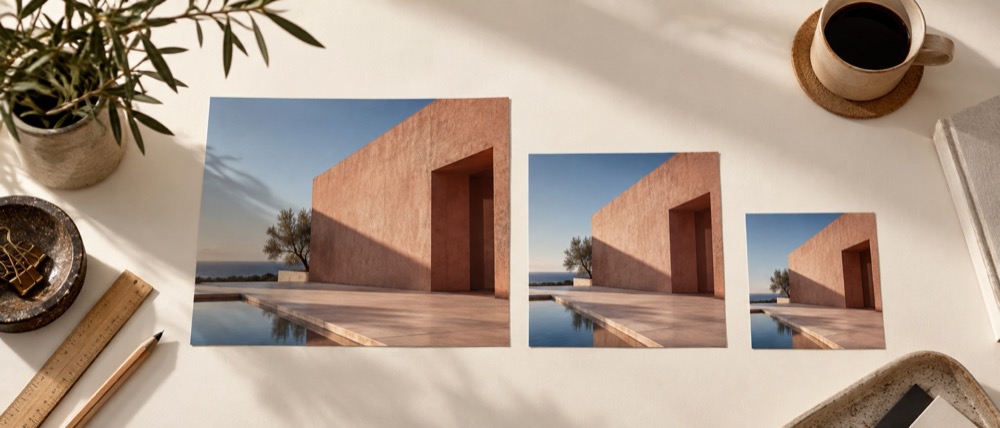
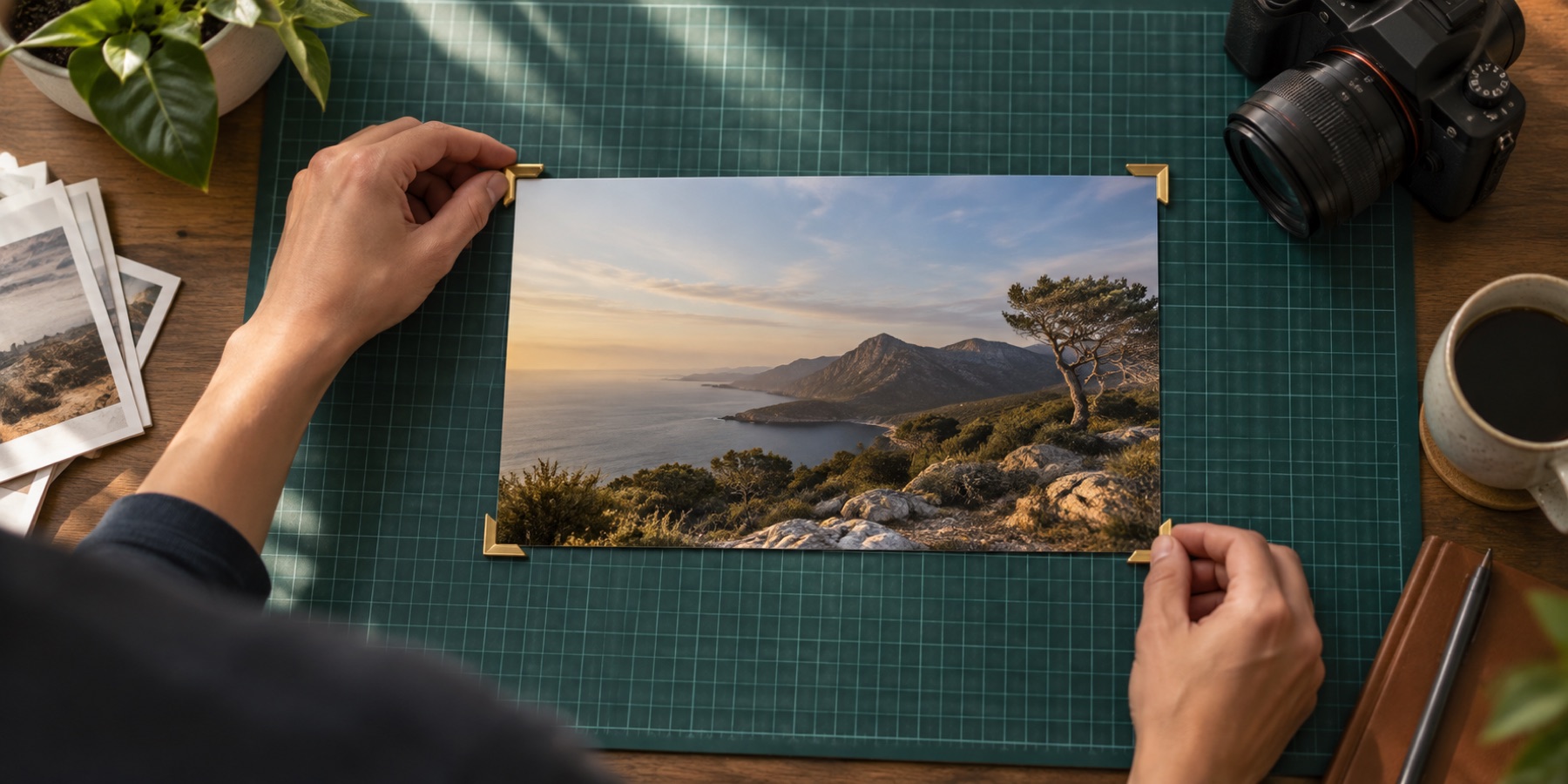
Auto crop an image, photo or picture by trimming the border round it in one press. Out comes the picture without its white margin, black bars or empty transparent edges, and the contract says how many pixels came off each side.
The trim is classical and runs on a small copy of the photo on this device: it walks in from each edge until the rows stop looking like the border. It moves the crop box and nothing else, so you can check it, adjust it or undo it before saving.
Empty edges on a PNG: crop PNG keeps the transparency exact. A signature on paper: signature crop trims to the ink. Many scans at once: bulk crop. A tilted scan: straighten photo.
What you can do here
Four kinds of border
A plain border of any colour, letterbox black bars, a scanner's white margin, and empty transparent padding.
Measured, then shown
The trim runs on a small copy of the photo and moves the box. The contract says what it removed: 112 px top, 0 right, and so on.
Tolerance you set
A colour-difference threshold from ΔE 2 to 20, so a border with a little noise or JPEG fuzz still counts as border.
No model, no download
Classical image analysis on this device. Nothing is sent anywhere and nothing is downloaded.
How to auto crop image
- 1Open the image
A screenshot with bars, a scan with a margin, or a PNG with empty edges. It stays in this tab.
- 2Press Trim borders
Leave the rule on Auto, or pick plain border, black bars, scanner margin or transparent edges. The box moves to the picture inside.
- 3Check and download
Drag the box if you want to adjust it, or press Ctrl+Z to put it back. The contract states what was removed. Download saves the trimmed file.
Questions about cropping
What can auto crop remove?
Plain borders of one colour (read from the corners), black bars around a letterboxed screenshot or video still, the white margin round a scan (with a 0.5% safety inset), and empty transparent padding round a PNG.
How does it decide where the picture starts?
It walks in from each edge on a small copy of the photo. A row or column counts as border while no more than 2% of its pixels differ from the border colour by more than the tolerance; the first one that does is where the picture starts.
It trimmed too much or too little. What now?
Change the tolerance and press Trim borders again: lower keeps more, higher trims more. Or drag the box by hand; one Ctrl+Z restores the box from before the trim.
Is anything saved automatically?
No. Trim only moves the crop box. Nothing is written until you press Download, and the contract says what the trim removed before you do.
Does it use AI?
No. It is plain arithmetic on pixel colours, done on this device. There is no model and no download.
Can it trim a whole folder?
Yes. On bulk crop, choose Trim borders first as the framing; every photo is trimmed and then cut to the rule's size.